HUION Keydial Remote K40
| Display Screen | 2x Wheels | Bluetooth |

HUION Keydial Remote K40, the newest generation of Keydials/keyboards from HUION.
The HUOIN Keydial Remote K40 is a huge upgrade from the HUION Keydial mini, becoming a much more modern and rich featured device than the older numpad siblings and being able to offer a more up-to-date product to stand against similar offerings from other competitors.
FIND ALL: Headphones Scores Compared
HUION Keydial Remote K40 Review
Tests & Scores
 Scores
HUION Keydial Remote K40 Scores
MORE: Best Headphones Charts
A
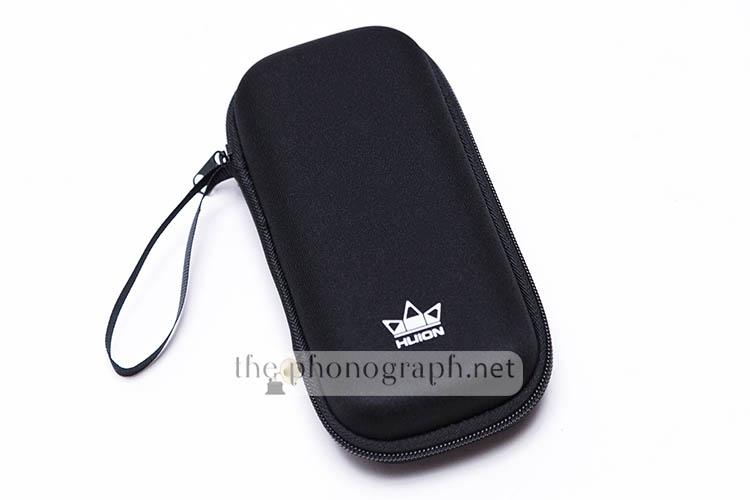
ACCESSORIES & PACKAGING
3.5/5
D
DESIGN
4/5
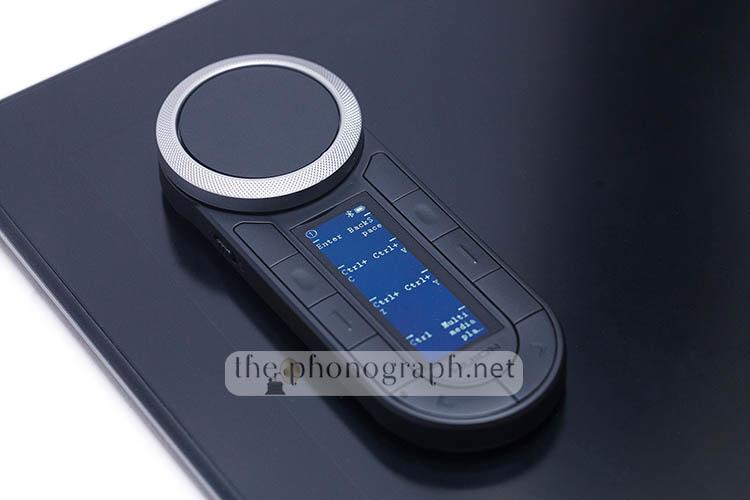
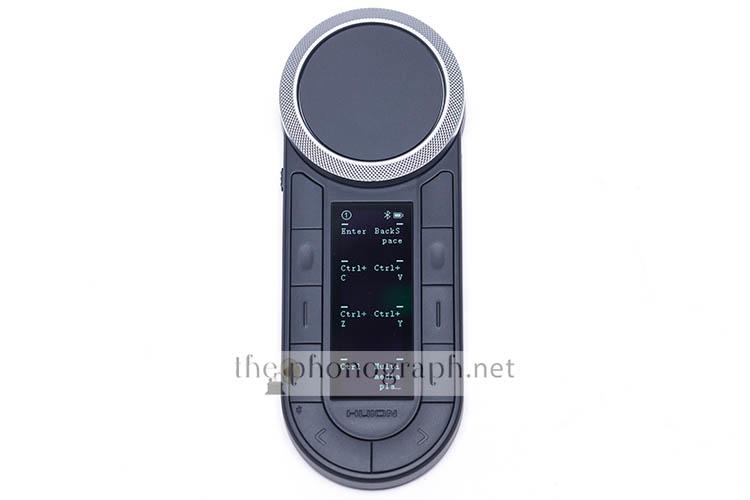
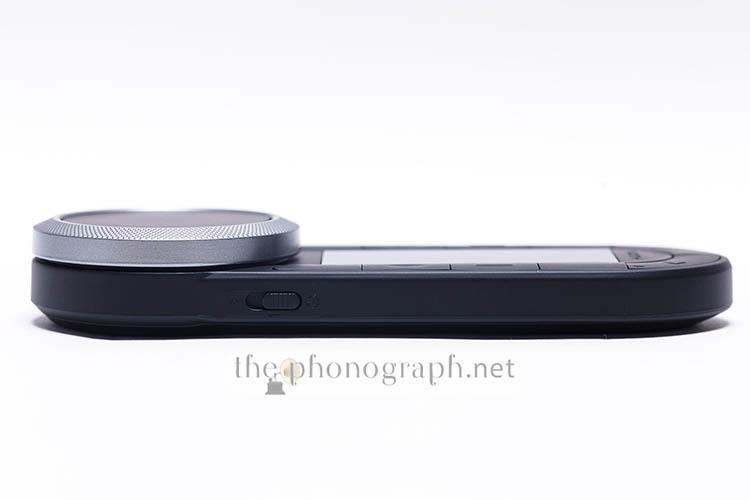
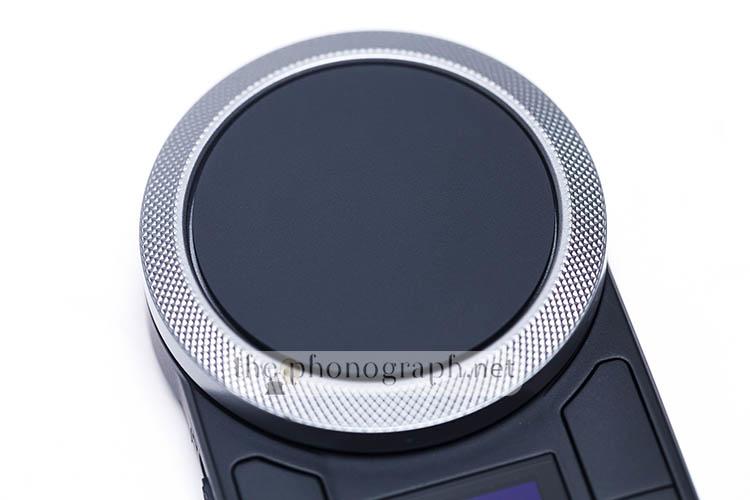
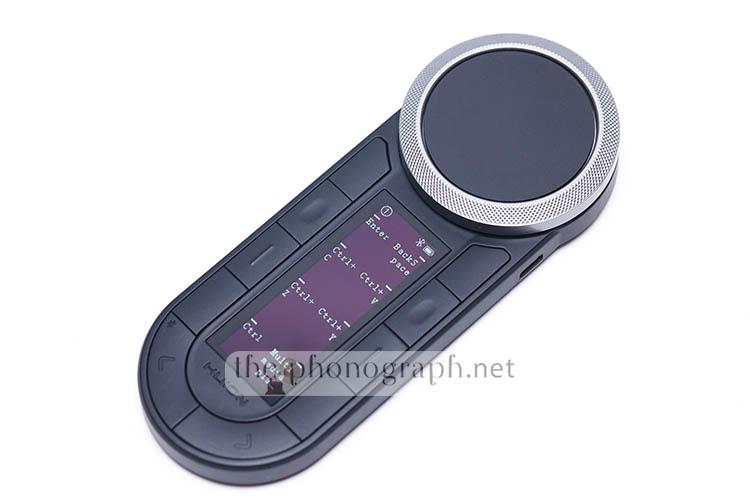
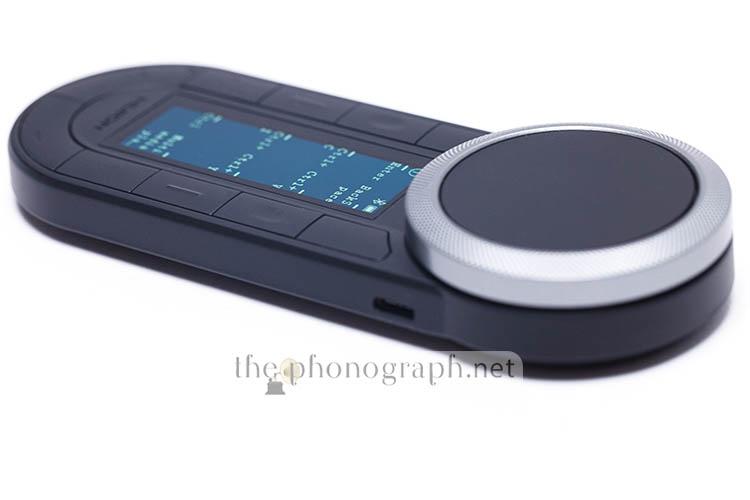
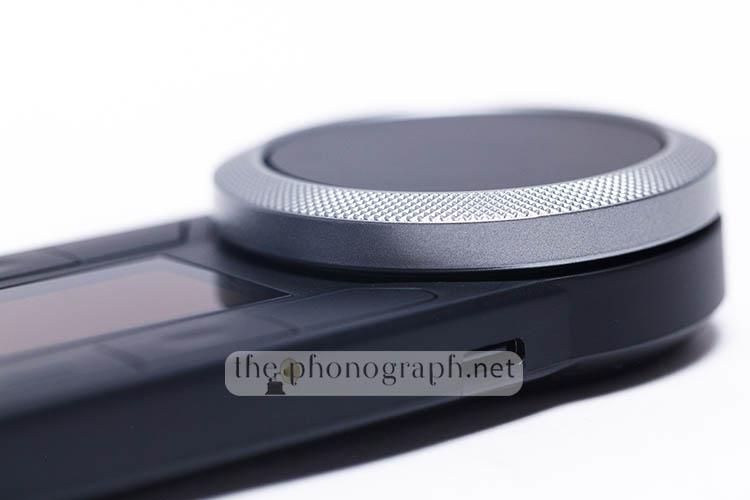
The Keydial K40 has 2 rotational encoders, with each wheel having a distinctively different tactile and clicky feedback. The outer silver wheel has a very audible click per notch and a decisive tactile feedback, while the inner wheel has a stealthier semi-muted clicky sound and, also, some tactile feedback but the wheel is way lighter and requires substantially less strength to rotate.
The buttons of the HUION Keydial K40 have a flat design with a marginally protruding body and a different top design per row to make them fairly recognizable at touch. The buttons have a subtle tactile and quiet audible feedback when pressed and a short total travel. As soon as we started testing the Keydial K40 we felt a déjà-vu effect with the buttons that we saw while reviewing the HUION Inspiroy Giano G930L.
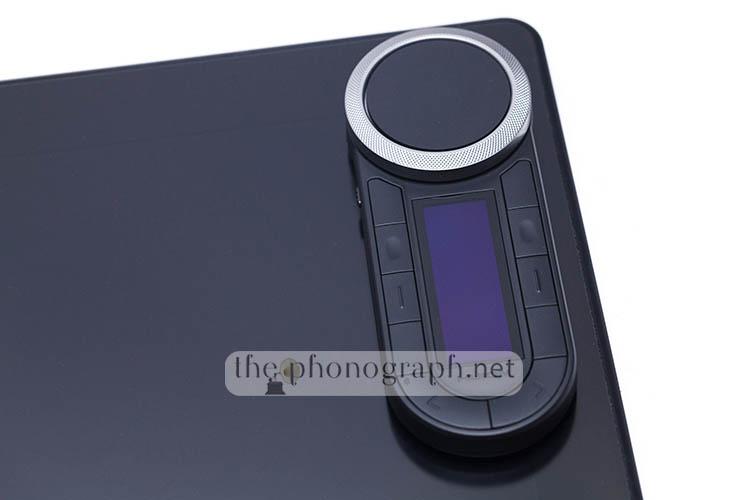
Overall the design of the Keydial makes it portable friendly and easy to manage with a single hand while having a low and thin foot print.
DC
DISPLAY SCREEN
3/5
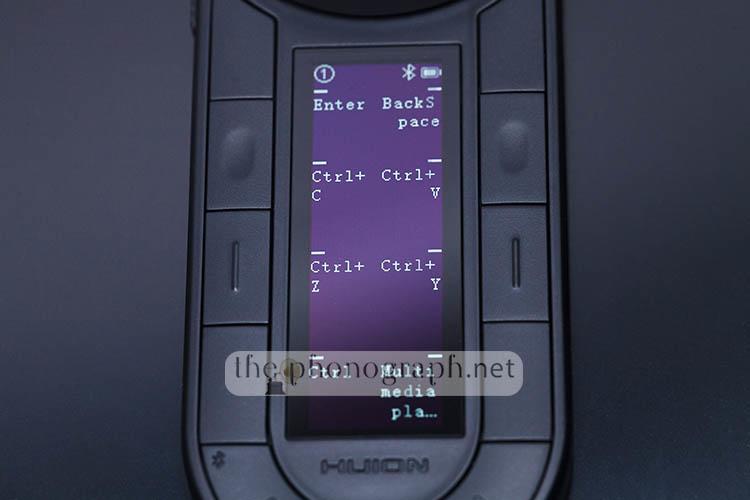
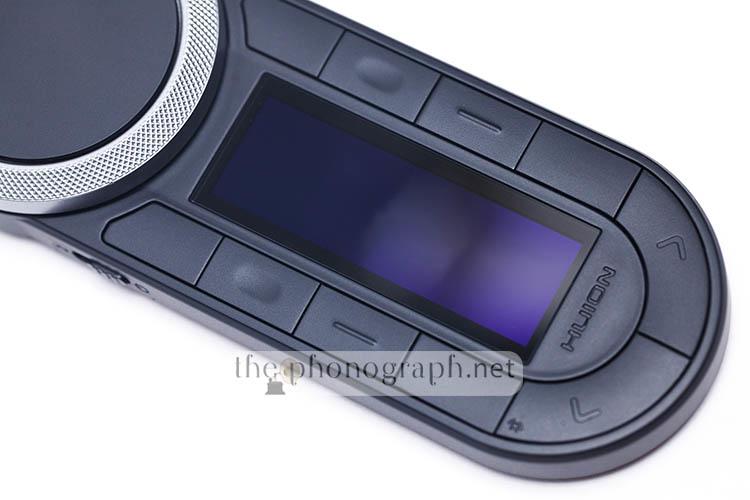
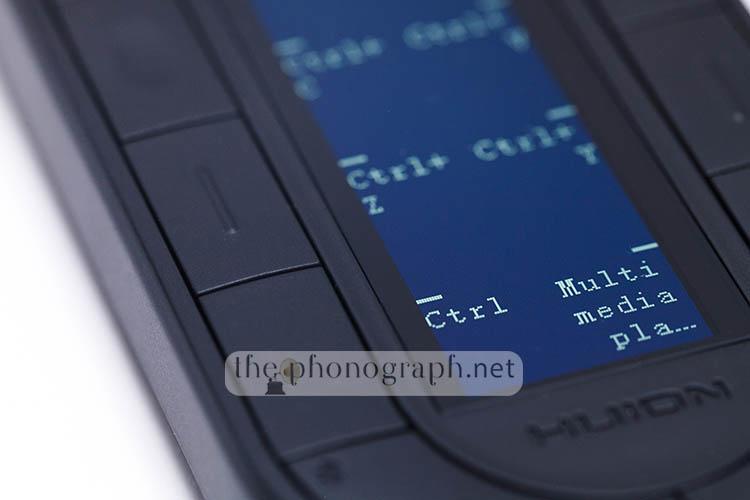
The display is bright and despite being monochrome it uses a quality OLED panel, also the contrast between the black background and white fonts, result in a contrasty effect that eases up the reading of the somewhat small fonts.
On the other hand, there is no auto-screen rotation, to be used horizontally and making the display follow automatically the horizontal/vertical rotation. Nonetheless, the screen can be rotated manually and set in any of the 4 vertical/horizontal positions to match each users preference and also making it ambidextrous-friendly.
A detail worth noting is that the lower 4 buttons are better aligned with the corresponding screen info than the upper 4, this is even more evident when used in landscape 270° rotation – in vertical mode, the screen info and buttons make use of a dash (“-“) to aid users with a guiding visual element towards the corresponding button.
CUS
CUSTOMIZATION
4/5
In total you can access 6 preset groups with 8 shortcuts per group, making in total 48 customizable actions available to be programmed in the buttons plus 4 total actions for the wheels that can be independently programmed for clock and counter-clock rotation functions – which would add up to 72 customizable and programmable functions.
It is nice seeing that 3 of the 6 preset groups (and the 8 shortcuts in each group) come pre-programmed with general purpose and photoshop actions/shortcuts, so users can get the Keydial up and running with essential and most typical functions right out of the box.
In the mobile app you will find 8 apps with presets pre-made so you can easily program those apps/software without going the custom way but you will not find software like DaVinci Resolve, InDesign, Illustrator, Photoshop, Premiere Pro, etc.; you will have to program them manually – at least this is what we encountered at the time of testing and reviewing the Keydial K40 but could be expanded on newer versions of the app.
Each preset group can be named and will be informed with a brief message when switching groups.
Also, and as expected, each of the 48 shortcuts can be programmed to do whatever function you want (no complex macros though) and can be named with any text that you desire.
In addition to this, you can add preconfigured preset banks according to specific software on your computer and switching through the presets for the whole unit; this is only achievable through the app/driver and with the software running on the background.
Important to highlight that if you create dedicated presets in the app for each software, the Keydial will enable auto-detection and auto-switching to the currently opened or in-use software with the matching preset/profile generated and with each software preset allowing all the 6 groups to be personalized and exclusively linked to the specific software preset.
C
CONNECTIVITY
3.75/5
In order to use the Keydial you can connect it through a detachable USB-C cable or make use of the 2 independent wireless Bluetooth banks.
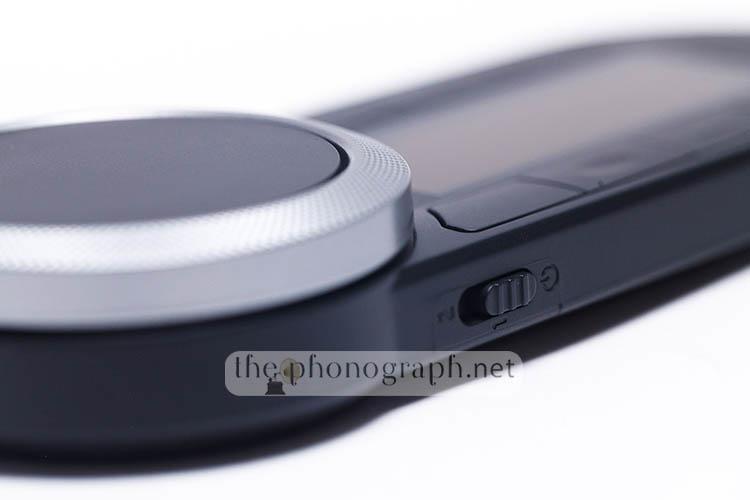
To choose the BT bank you have to move the physical switch on the left edge of the device.
Even if you are wanting to use the unit in wired mode, you need to set the connection mode to either the BT1 or BT2 mode.
B
BUILD
3/5
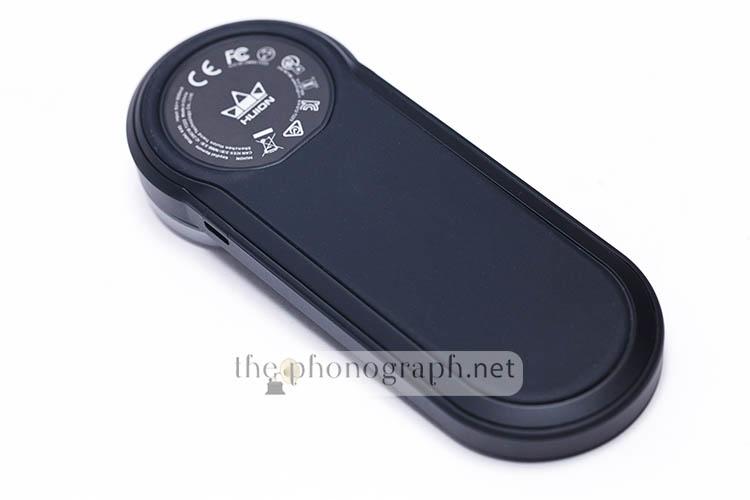
The whole unit is mainly made of plastic, even the silver-colored main wheel might seem metal at sight but it is also constructed in plastic.
In general, buttons do not wobble, beside the exception of the main and secondary internal (black) wheels that did show some wobbliness – mostly evident on the 2nd wheel.
On the other hand, we found it to be a smart decision that 95% of the bottom case is rubberized, making it optimal to handle slippery issues. The rubberized bottom of the HUION was sufficient to keep it in place over the glass of the pen displays without slipping whenever the tilted angle was 30 degrees or less.
Overall, the device does not show signs of being particularly over-fragile but it does prioritize a lighter weight over a tank-alike build.
CO
COMPATIBILITY
2.5/5
With Bluetooth connectivity and both PC and mobile apps, the Huion Keydial Remote is compatible with Windows PC, Mac computers and also with Android and iOS phones and tablets.
Unfortunately, the driver/software seems to overstep other brand’s pen displays making them unusable. For example when trying to use the Keydial with a Gaomon PD2200 pen display, the Huion driver/software made the Gaomon non-detectable and unusable when opened and regains usability as soon as you fully close the Huion software/driver (the same applies backwards); this means that the Huion Keydial Remote K40 plays well as long as your ecosystem is based on Huion products but it is incompatible to be used at the same time with other branded pen displays (software limitation).
To be precise, you can technically use them together but you will be limited to the programming done through the mobile app on the Keydial as the customizations through PC are not saved in the device itself and require the software/driver to load and apply your custom settings; also you will lose the auto-switching feature.
P
PERFORMANCE
3/5
The ability to repurpose and reprogram each of the 72 functions and 6 groups and auto-switch to the in-focus app on-the-fly and as many times as you want makes it a superior accessory over macropads with physical buttons and no display screens – we were surprised seeing that the unit supports anti-ghosting.
This function on its own is a superb feature to make the HUION Keydial Remote a way better option over mechanical macropads without an auto-switching system. We also found the dual wheel design (that can be easily controlled with 1 single finger) making a huge difference for video editing.
The HUION Keydial K40 is so versatile that you can easily use it as a “standard” macropad for simple key combinations or mouse movements or even as a “pseudo-stream deck” controller to launch programs, control stream functions and/or media controls.
Unfortunately, delay is present when switching groups, from the moment that you press the group switch button until you are presented with the new group and shortcuts, it takes around 3 seconds.
After our testing, the HUION became a trusty ally and is sometimes grabbed for the final stages of our photo editing when going through Photoshop, for video editing, graphic design, 3D design, sketching and for all tasks that involved the use of a pen display, pen tablet, pen computer and Android pen tablets.
Moreover, the HUION Keydial is now a frequent (but not permanent) companion of some larger pen displays (only HUION branded) that we use daily but that we don’t love their buttons/controls design or have no expresskeys at all.
Another certain plus of the Keydial is the ability to be controlled and fully used with one single hand and, even, holding in hand as if you were holding a TV remote control. Despite this, we found the inner wheel to be way to light and could be easily rotated by mistake.
On the other hand, the not-so-tactile and flatter buttons combined with some misalignment between the info screen and buttons and, above all, the lack of compatibility with other branded pen displays, did not convince the team as a full mainstream replacement of the macropads that we use for daily editing of the review articles, production photo editing and neither replaced the one that we use for Lightroom – we could had replaced it for Lightroom tasks but our Lightroom and mainstream macropads are already way too personalized and better performing with swappable mechanical switches, custom multicolor 3D printed keycaps, metal build and tri-mode connectivity.
If the brand comes up with updates/upgrades that will fix the compatibility issues when used with pen displays from other brands, then the HUION Keydial Remote would be a substantially better product.
Overall the HUION Keydial Remote K40 is a fairly good addon but it has some room for improvement to rule over other similar products or more advanced macropads and as some of the issues/weak features are software-related, they have the potential to be addressed through firmware upgrades.

SW
SOFTWARE
3/5
An odd behavior is that the unit, actually, has on-board memory and the ability to save all customizations inside the device itself but this will not be done if you edit your functions, buttons, presets, etc. through the PC software; instead, the Keydial will only save the customizations to the on-board memory if they are done through the mobile app. Moreover, these on-board saved customizations will appear and work as intended if you are using the Keydial with your mobile device but with a PC they will be accessible only without running the Huion Keyboard software on the background; if you connect it to a PC through and open the PC software, then the on-board customizations will not be accessible and you will have the device reflecting the customizations that you have applied through the PC software instead. Sounds confusional? well, it is confusional.
If you are on V15 version of the PC software/driver, you will have to access the mobile app and as Huion PC software V15 is not compatible. If you see the Keydial that on PC while wired only charges and not working and on Bluetooth screens are frozen and shortcut keys do not what they say, then you are most definitely using the older HUION V15 PC software and you will need to update it to the latest and newest version that was released along the introduction of the Keydial K40.
SEE ALSO: Coupons – Discounts – Deals – Promo Codes – Sales Deals
YOU WILL ALSO LIKE: Amazon Coupons & Deals
SELECTED FOR YOU: Aliexpress 11.11 Shopping Festival Coupons
RELATED TO THIS PAGE: Aliexpress Anniversary Sale Coupons and Deals
SEE ALSO: Black Friday Coupons and Deals – Black Friday Aliexpress coupons